 PixOrg
How to rate and tag photos on Android and keep the ratings
Star ratings and tags that live inside the photo file, so Lightroom, Windows and your next gallery app read them, plus albums that fill themselves.
You go through a trip’s photos and mark the good ones. A year later you change phone, or gallery app, or you copy everything to a PC, and the marks are gone. The favourites were a list inside one app, and the app is not there any more.
There has been a standard way to store a rating in the photo itself for twenty years. Few phone apps use it.
Where ratings usually go
- Google Photos favourites are kept in your Google account. Another app on the same phone cannot see them, and a photo copied out of Google Photos carries no sign of having been a favourite.
- The phone’s gallery (Samsung, Xiaomi) keeps favourites in its own database. They vanish with a factory reset or a different brand of phone.
- Lightroom, Windows Explorer, macOS Finder, digiKam read and write the rating inside the file, in a block
called XMP:
xmp:Ratingfrom 1 to 5 anddc:subjectfor tags. A photo rated 4 in Lightroom shows four stars in Windows and in any app that reads XMP. This is the portable way.
If you only ever use one app on one phone, where the rating lives does not matter. If you expect the photos to outlive the app, it does.
In PixOrg
PixOrg writes ratings and tags into the photo, the same way desktop tools do, so they travel with the file.
- Open a photo. Tap the stars under it to rate it 1 to 5, or tap Tag and type a word: “portfolio”, “print”, “kids”.
- To rate or tag several at once, long-press in any grid, tick the photos, then Rate or Tag in the bar at the bottom.
- The first time, Android asks you to allow PixOrg to modify the files. Allow it once for the selection.
The rating is then written into the JPEG itself; for a PNG, HEIC or RAW file, it goes into a small
.xmpfile next to it, which is what Lightroom does too. - Copy the photo to a PC and the stars appear in Windows Explorer’s details and in Lightroom’s filter. Open it in another gallery that reads XMP and the rating is there.
Ratings already in your files are read when PixOrg scans them, so a library rated on a PC arrives rated.
Albums that fill themselves
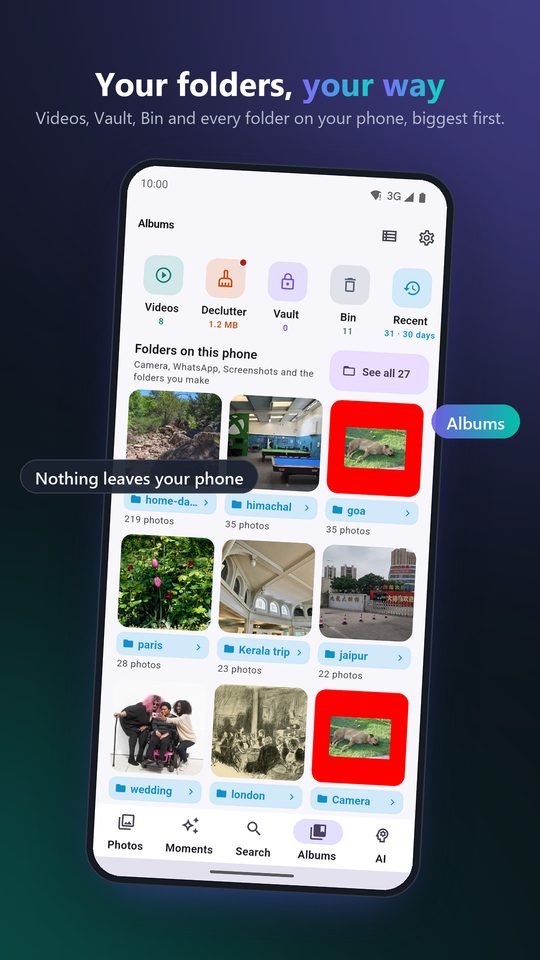
Ratings and tags are more useful when something acts on them. PixOrg’s smart albums are rules:
- “4 stars and up” collects the best of everything, forever, as you rate.
- “Tag: print, this year” is the list for the photo shop.
- “5 stars, in Camera, 2025” and similar: a rule can combine rating, tags, folder, dates and kind.
Make one from Albums, tap New smart album, and set the rules. The album updates itself as you rate and tag; nothing is copied or moved.
Rated and favourite photos are also protected: Declutter never suggests deleting a photo you have rated, and when it finds duplicates the rated copy is the one it proposes to keep.
What to know
Writing into a file changes its modified date, which some backup tools treat as a new file; the first big rating session can make a backup run longer. The photo itself is not re-encoded, so there is no loss of quality. XMP is a widely read standard but not a universal one: Google Photos ignores ratings in files, and a few galleries show tags but not stars. A rating you want to keep is still safer in the file than in any app’s database, including PixOrg’s.
Privacy
A rating or a tag is written into your own file on your own phone, and nowhere else. PixOrg has no account and no server, so your tags are not a profile of you anywhere. The free version shows small ads under the grid; the ad network sees an advertising ID, never a photo, a rating or a tag.
PixOrg is free on Google Play
An AI photo gallery for Android that searches, sorts and protects your photos on the phone itself. No account, no cloud, works offline. Free with small ads; PixOrg Pro removes them.
Related guides
- How to move your photo ratings, people and albums to a new phone
Save everything you taught your gallery app, names, ratings, tags, moments and the vault key, to one file, and bring it back on a new phone or after a reinstall.
- An offline photo gallery for Android, with search and people
What you lose when Google Photos backup is off, and how to get search, people and memories back without sending a photo anywhere.
- How to clean up the photos on your Android phone
Clear the forwards, dead screenshots, bursts and blurry shots that fill a phone, one reviewed group at a time, with nothing deleted behind your back.